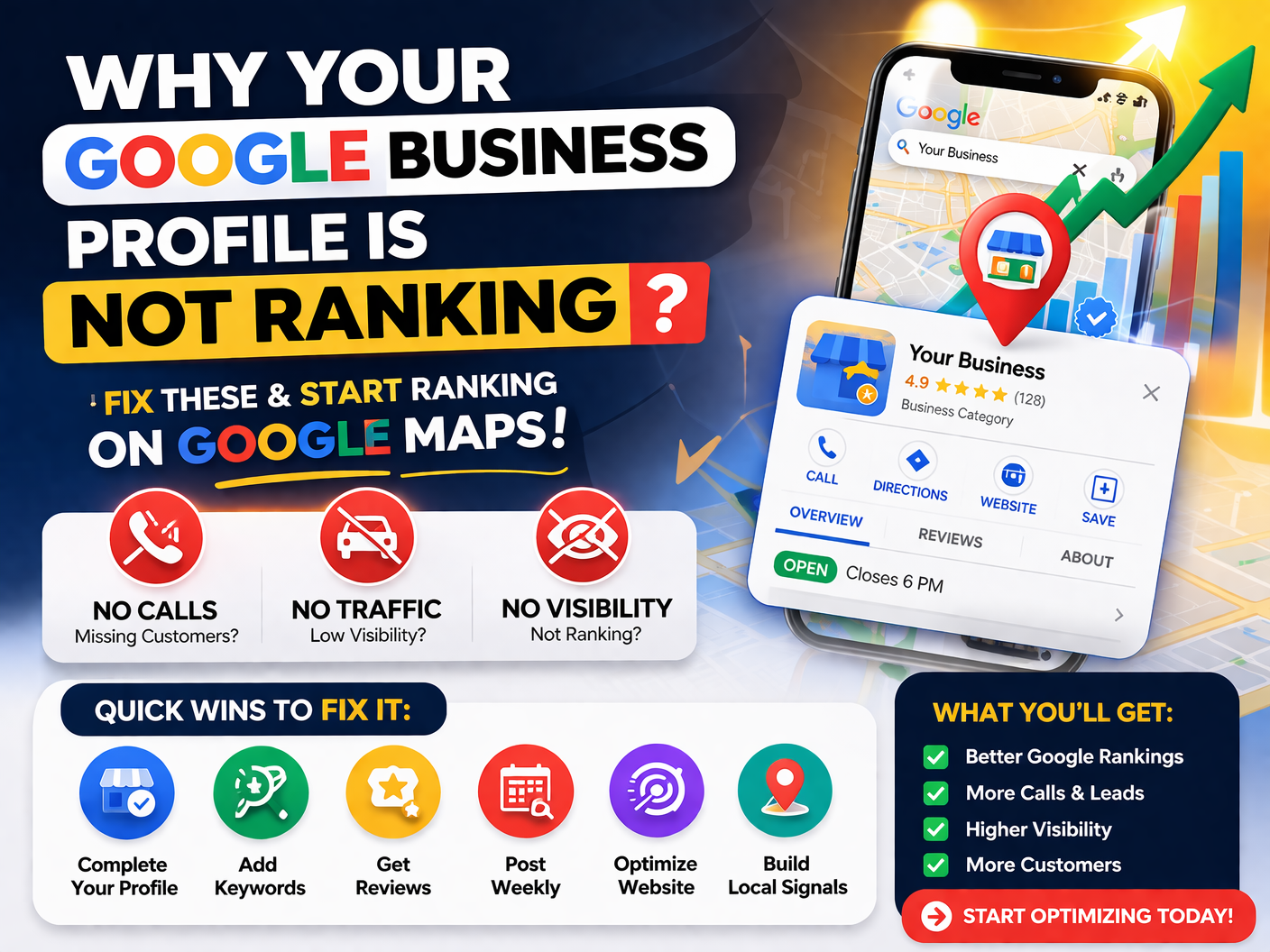
Warning: Your Google Business Profile Isn’t Ranking (Fix Before It’s Too Late 2026 )
If your Google Business Profile (GBP) is not showing on Google Maps or ranking poorly, you’re not alone.
Many business owners create a profile, add some details… and then wait. But nothing happens.
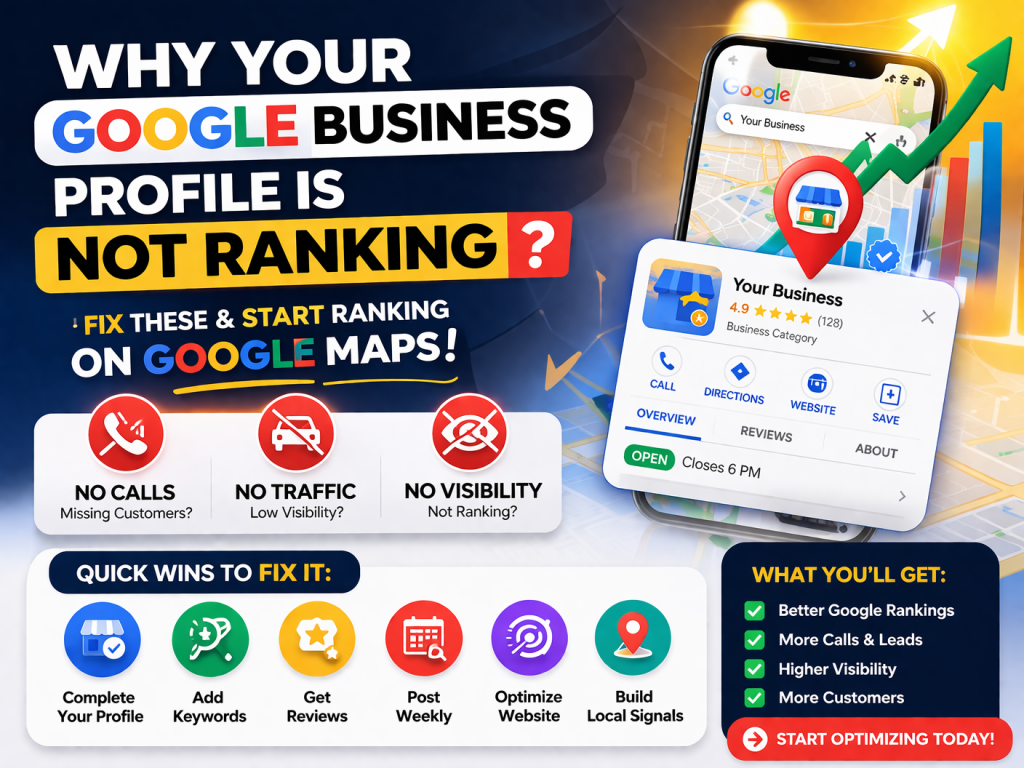
No Calls
No Traffic
No Visibility
The truth is:
Google doesn’t rank your business just because it exists.
here, you’ll learn exactly why your Google Business Profile is not ranking — and how to fix it step by step.
Your Profile Is Not Fully Optimized
This is the most common mistake.
Most people:
Add business name
- Select category
- Add phone number
And stop there.
👉 That’s NOT enough.
How to Fix:✅
Make sure your profile includes:
✔ Primary + secondary categories
✔ Keyword-rich business description
✔ Services/products listed
✔ Business hours
✔ High-quality images
💡 Tip: Use keywords like:
“local SEO services”, “GMB optimization”, “SEO services in Pakistan”
You’re Targeting the Wrong Keywords
Google ranks businesses based on search intent + relevance.
If your profile doesn’t match what people are searching…
👉 You won’t rank.
Example:
People search:
- “SEO expert near me”
- “GMB optimization services”
But your profile says:
- “Digital solutions company”
🚫 Too vague = no ranking
How to Fix✅:
Use clear, targeted keywords in:
✔ Business description
✔ Services
✔ Posts
You Have No Reviews (or Very Few)
Reviews are one of the strongest ranking factors.
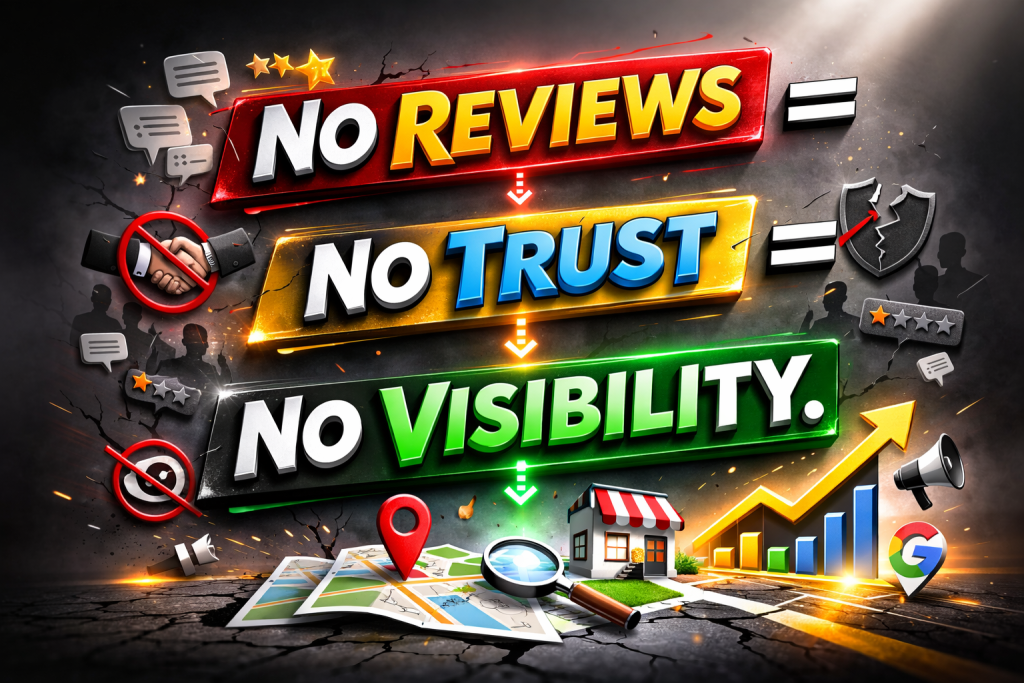
No reviews = No trust = No visibility.
How to Fix:✅
✔ Ask every client for a review
✔ Use WhatsApp or direct link
✔ Reply to ALL reviews
💡 Pro Tip:
Include keywords naturally in replies:
“Thank you for choosing our local SEO services!”
Your Location Signals Are Weak
Google needs to understand:
👉 Where your business operates
If your location signals are weak, your ranking drops.
How to Fix:✅
✔ Add accurate address
✔ Embed Google Map on your website
✔ Use same NAP (Name, Address, Phone) everywhere
You Have No Website Authority
Your website and Google Business Profile work together.
If your website is weak → your GBP will struggle too.
How to Fix:✅
✔ Create SEO-optimized blog content
✔ Add internal links
✔ Build backlinks
💡 Example topics:
✔ Local SEO guide
✔ GMB optimization tips
✔ SEO checklist
You’re Not Posting on Google Business Profile
GBP is not “set and forget”.
Inactive profiles lose ranking.
How to Fix:✅
Post weekly:
✔ Offers
✔ Updates
✔ Tips
Example:
👉 “5 Ways to Improve Your Local SEO in 2026”
Your Competitors Are Simply Better
Sometimes the problem isn’t you.
👉 It’s that others are doing MORE.
They have:
- More reviews
- Better content
- Stronger SEO
How to Fix:✅
Analyze competitors:
✔ What keywords they use
✔ How many reviews they have
✔ What content they post
Then do better.
Your Profile Is New
If your profile is recently created:
👉 Ranking takes time.
Google needs:
- Activity
- Trust
- Engagement
How to Fix:✅
✔ Stay consistent
✔ Keep optimizing
✔ Post regularly
Quick Checklist (Fix Your Ranking Fast)
✔ Complete your profile
✔ Add keywords
✔ Get reviews
✔ Post weekly
✔ Optimize website
✔ Build local signals
Final Thoughts
If your Google Business Profile is not ranking, it’s not random.
There’s always a reason.
The good news?
👉 Every issue has a fix.
But consistency is key.
Need Help?
If you want faster results, professional optimization can save you months of effort.
At Optizite, we specialize in:
- Google Business Profile optimization
- Local SEO services
- Ranking businesses on Google Maps
👉 Contact us today and start getting real leads from Google.
At Optizite, we don’t just “optimize” — we fix what’s silently killing your visibility. If your Google Business Profile is not ranking, there’s always a reason, and we know exactly where to look. From local SEO gaps and weak signals to hidden profile issues, our strategy is built to deliver real growth — more calls, more traffic, more customers. No guesswork, no outdated tricks. Just proven, 2026-ready solutions that push your business to the top. When rankings drop, we turn things around fast — because your visibility should never be left to chance.